What is Portway
Portway is a desktop application for macOS and Windows that manages Linux servers over SSH. It brings the tools that are normally scattered across a terminal into one window: files, tunnels, Docker, systemd services, Nginx, firewall rules and HTTP checks.
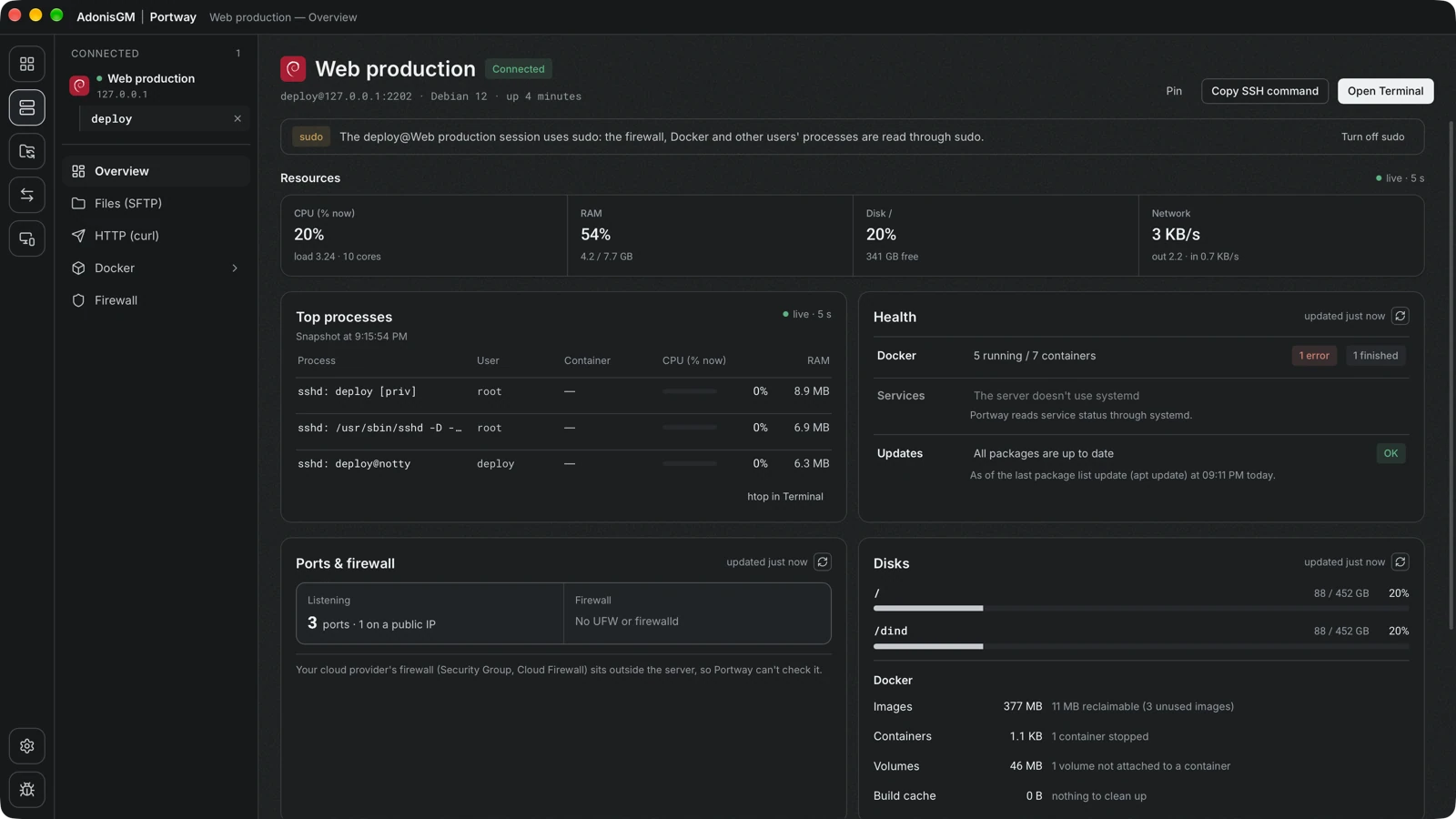
What Portway does
Section titled “What Portway does”- Connects to saved servers over SSH, including servers that are reachable only through a jump host.
- Browses and edits files over SFTP, with optional root access through sudo.
- Copies files between this computer and a server, or between two servers.
- Opens SSH tunnels and shows which local application uses each one.
- Reads and manages Docker containers, Compose projects, images and volumes.
- Shows systemd services, Nginx sites and firewall rules, and compares them with the ports that are really listening.
- Sends HTTP requests from the server itself.
- Pairs two computers of the same person on one network, so that files and text can move between them (Connect).
What Portway does not do
Section titled “What Portway does not do”- It does not install an agent or any other program on the server. Every operation uses the standard tools that already exist there.
- It does not have an account system, a cloud service or a relay server. Configuration stays on the computer.
- It does not replace configuration management or monitoring systems. See Why Portway for the intended scope.
Where to continue
Section titled “Where to continue”Why PortwayThe needs that Portway is built for, and who it is meant for.
ConceptsThe ideas behind the design: agentless access, visible commands and audit.
Install PortwayRequirements and installation on macOS and Windows.
Add a serverCreate the first connection and verify the host key.